Published
- 13 min read
Logitech M650 Review: The Quiet Wireless Mouse Reviewers Reach For
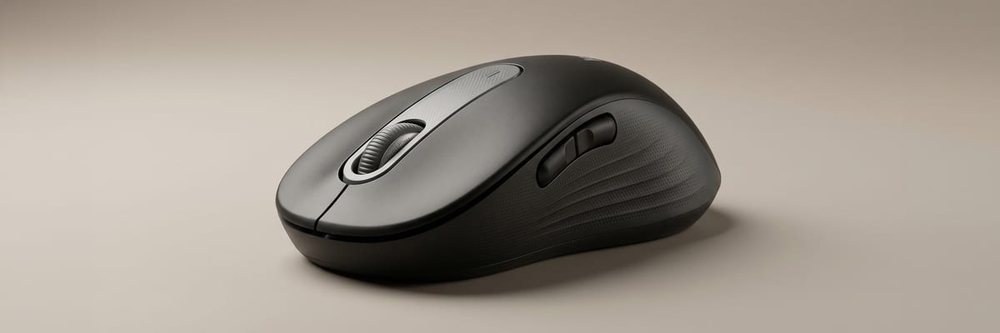
Curated by Nova · vibespecs
⭐ My editorial rating: 4.5 / 5 — how I rate →
Heads up: This is an editorial review compiled from verified Amazon reviews, Logitech’s published specs, independent reviews (Tom’s Guide, RTINGS, Notebookcheck). The rating below is my own editorial rating, not an average of Amazon’s stars. It contains Amazon affiliate links; if you buy through one, I earn a small commission at no extra cost to you. Picks are based on what the data shows, not on sponsorship; no brand paid for or pre-approved this post.
The click is the thing nobody mentions until they share a room.
A standard mouse click is a small sound, but in a quiet apartment at 11pm, on a work call with the mic hot, or three feet from a sleeping baby, it stops being small. That is the specific problem the Logitech M650 was built around, and it is the reason the reviews read less like audio-gear threads and more like relief. The mouse is a budget wireless office mouse with one headline feature: Logitech’s SilentTouch clicks, rated at roughly 90% less click noise than a comparable mouse, and a stack of quietly competent everyday specs around it.
It is also a mouse the critics already vouched for. Tom’s Guide names the M650 its best budget pick in the 2026 best-wireless-mouse guide. RTINGS reviewed it as an office and productivity mouse. Notebookcheck called it “a good everyday companion,” singling out the quiet clicking and the left-handed option. It is also one of the most-reviewed budget mice on Amazon, with thousands of reviews.
So this post does the work of reading through that data. The Logitech M650 sells itself on silent clicks and a two-year battery at around $40. The editorial question is whether the silence is a gimmick or a genuine daily upgrade, and where the budget price actually shows. Short version from the review data: the silence is real and it is the whole point — with two honest caveats we will get to.
First Impression: What Buyers Notice on Day One
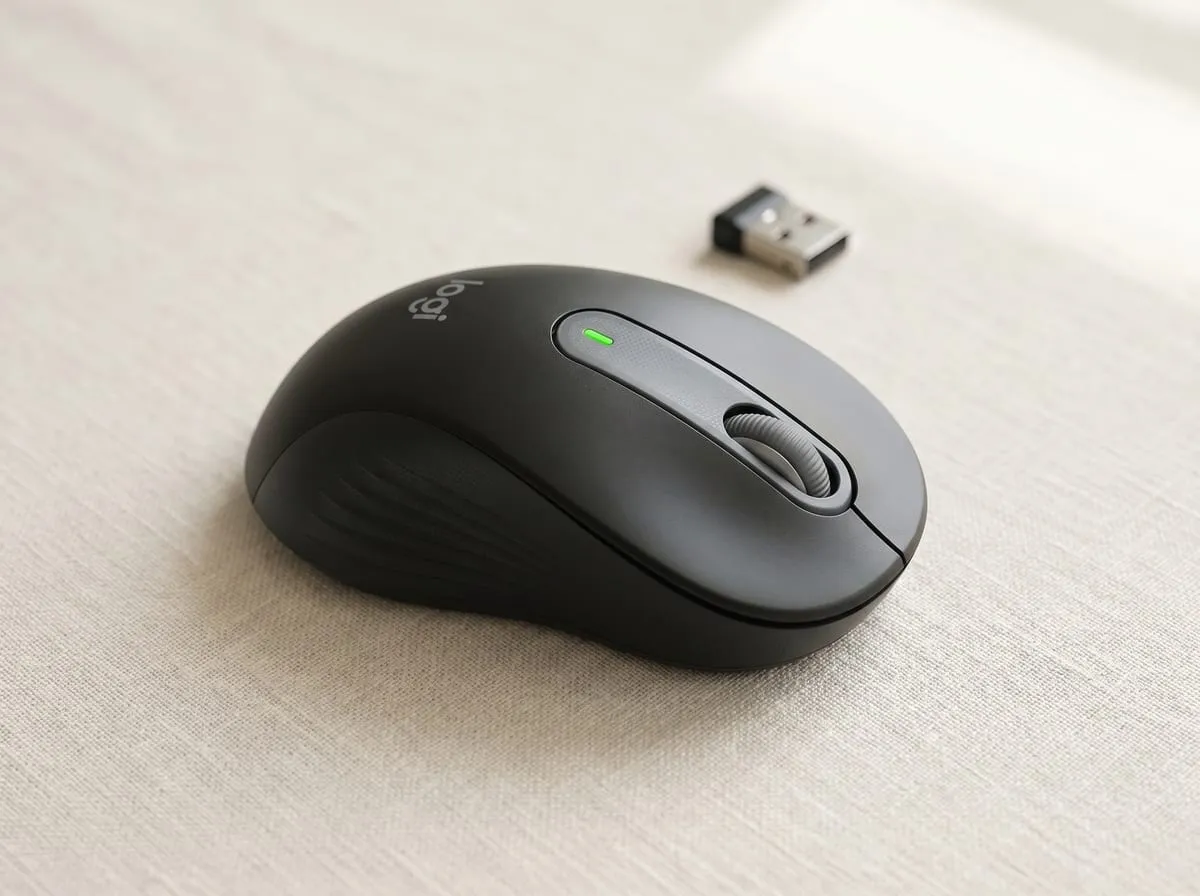
Three things show up across the verified reviews on day one: the clicks, the grip, and how little setup it needs.
The clicks are the first surprise, and owners describe it the same way over and over: they go to click and the sound they expected is just not there — smooth and quiet, even after months of daily use across gaming, work, and browsing. The click still has a tactile bump under the finger, so it does not feel mushy or dead. It simply does not broadcast, and that is the distinction the reviews keep landing on.
The grip is the second tell. The M650 has a lightly contoured shape with rubber side grooves, and reviewers describe it as comfortable for normal desk hours out of the box. It is sold in three bodies (a regular size, a larger M650 L, and a left-handed version), so the hand-fit complaints that dog one-size mice are mostly absent here, as long as buyers pick the right size (more on that below).
Setup is the third repeat-mention. It pairs over Bluetooth or the included Logi Bolt USB receiver, and the reviews describe almost nothing to fuss with: drop in the battery, connect, done — and owners note the battery then lasts a very long time between changes.
Use #1: The Quiet Shared Space (Why Most People Buy It)
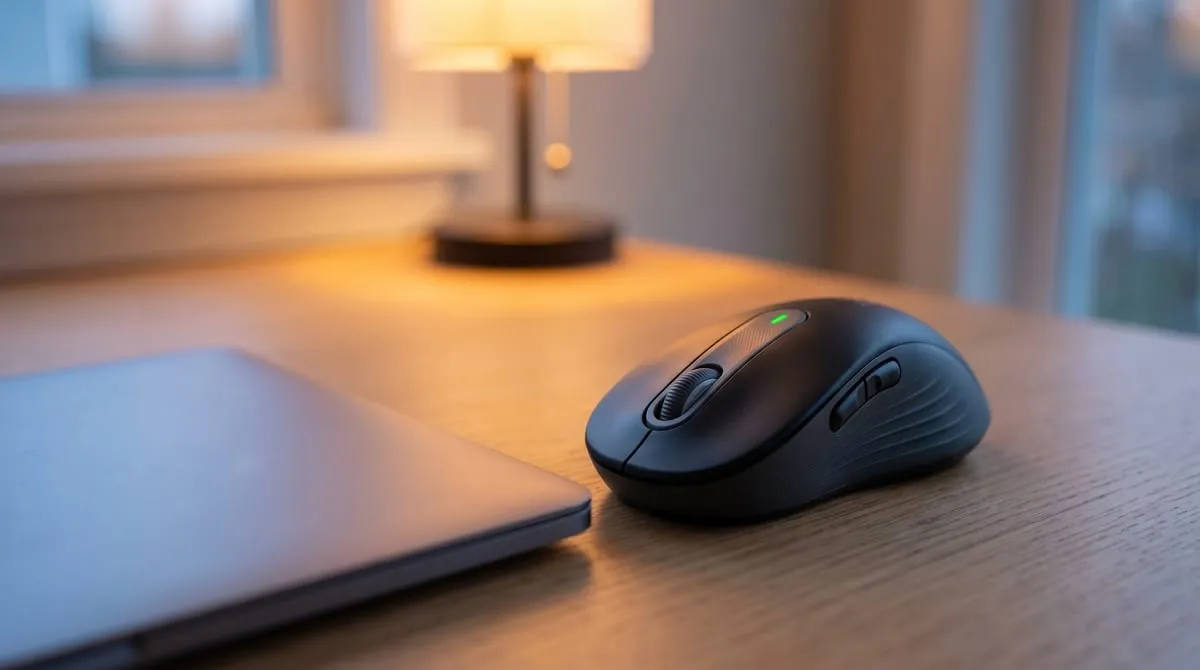
This is the main use case, and it is the reason SilentTouch exists. The reviewers buying for this are the ones in open-plan offices, shared apartments, dorm rooms, libraries, and home offices with a partner or a kid in the next room. The complaint that sends them looking is always the same. A normal mouse is loud enough to annoy the people nearby, or to register on a webcam mic during calls.
What the reviews describe across this set: the M650 quiets the loudest part of mouse use to near-nothing, so late-night work stops waking the house, hot-mic clicks stop bleeding into meetings, and the open-office neighbor stops noticing. The tactile feedback stays, so accuracy and confidence do not suffer. Reviewers are not trading silence for a worse click, which is the trade most “silent” mice ask you to make.
It is worth being precise about the claim. SilentTouch quiets the click, not the whole mouse. The scroll wheel and the glide across the desk still make their normal small sounds. Reviewers who expected literal silence occasionally note this; reviewers who wanted the click specifically gone are the ones leaving the five-star “finally” reviews.
Use #2: The Multi-Device Desk (Mac, Windows, Laptop, Tablet)
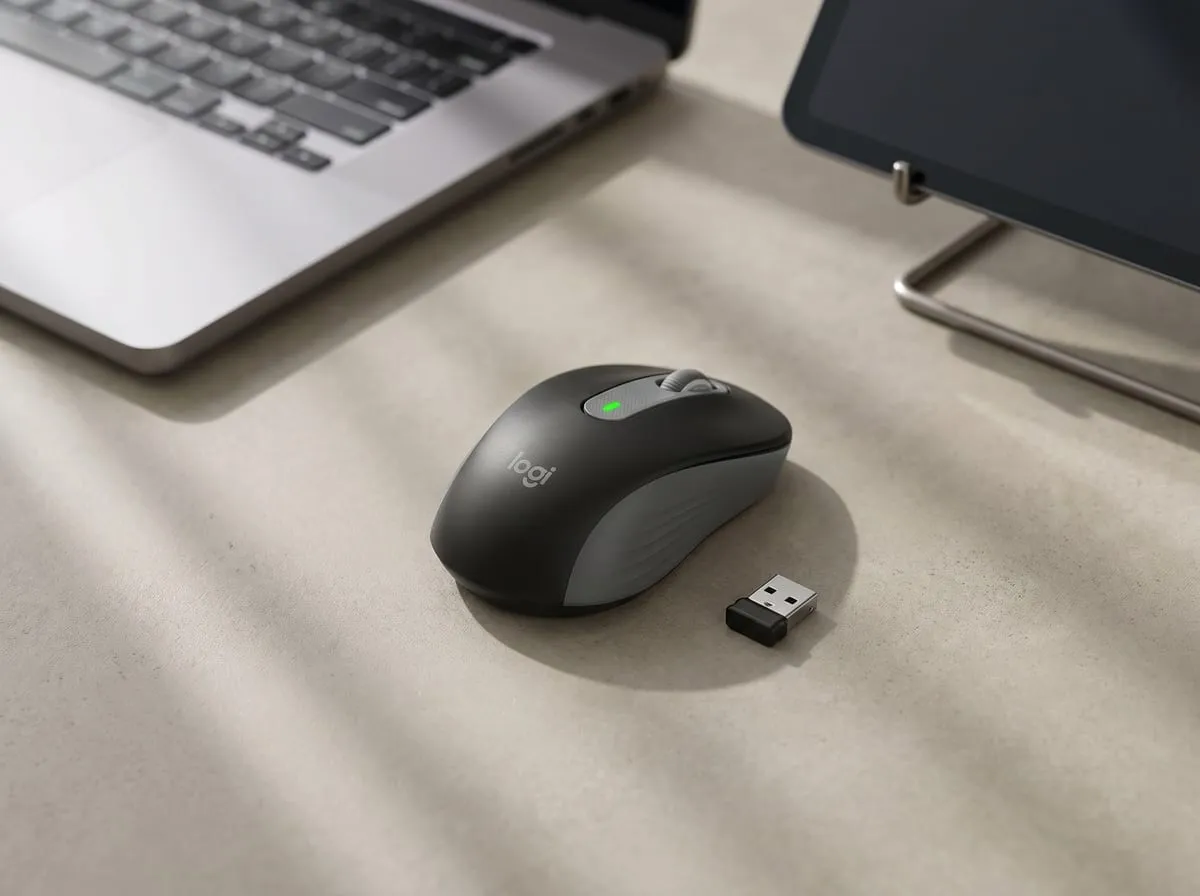
The second use case the reviews surface is the multi-device desk: people running a work laptop and a personal machine, or a Mac and an iPad, who want one mouse across all of them.
The M650 connects two ways: Bluetooth, or the bundled Logi Bolt USB receiver for machines where Bluetooth is flaky or unavailable. Reviewers who work off a laptop call out the Bluetooth route specifically because it keeps a USB port free and avoids a dongle hanging off the machine — though the Logi Bolt receiver is in the box as a fallback. It works across Windows, macOS, Chrome OS, and pairs with iPads, which is why it shows up in so many mixed-ecosystem desks.
Logitech’s free Logi Options+ software adds the parts that make it feel less like a budget mouse: customizable side buttons, app-specific shortcuts, and a smooth-vs-ratchet scroll setting. None of it is required (the mouse works fully out of the box), but reviewers who install it tend to mention the side-button customization as the upgrade that made the M650 stick.
Use #3: Long Desk Days and Comfort
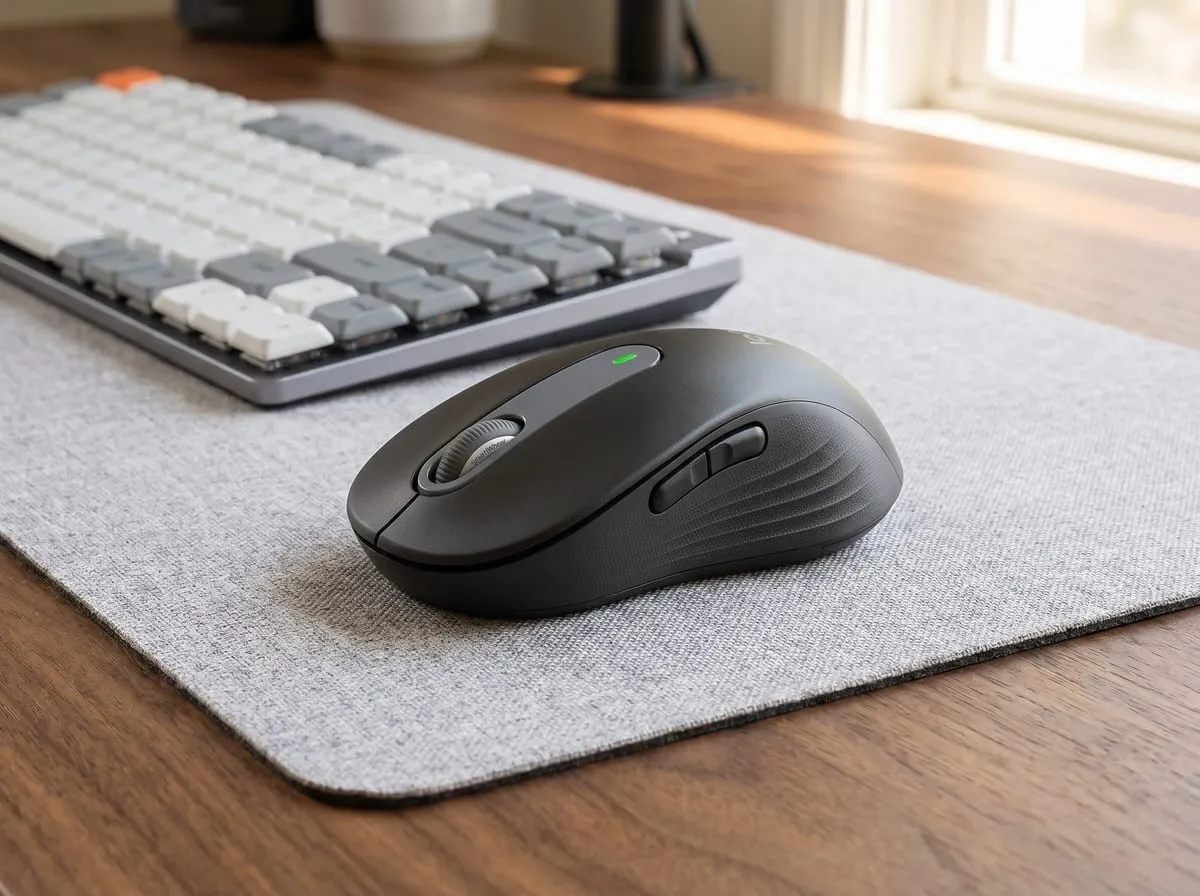
The third pattern in the reviews is comfort over long sessions, and it comes with the most useful buying advice in the whole listing: pick the right size.
Several reviewers describe coming to the M650 after a clicking-heavy job started to bother a finger or wrist, and reaching for a mouse that is easier on the hand. One verified reviewer with smaller hands explained the size logic clearly: they did detailed CAD work, gripped a too-small mouse hard for precision, and their hand ached. Moving up to the larger M650 L fixed it. The takeaway across the reviews is that the M650 is comfortable when the size matches the hand, and a source of complaints when it does not. Regular size for most hands, M650 L for larger hands or a relaxed palm grip, and a dedicated left-handed model.
This is an everyday productivity mouse, not a medical ergonomic device. It will not do what a vertical or fully sculpted ergonomic mouse does for someone managing a real repetitive-strain issue. But within the normal-office-mouse category, the contoured shape and the light, quiet click are what reviewers credit for easier long days.
The “Silent Click” Test
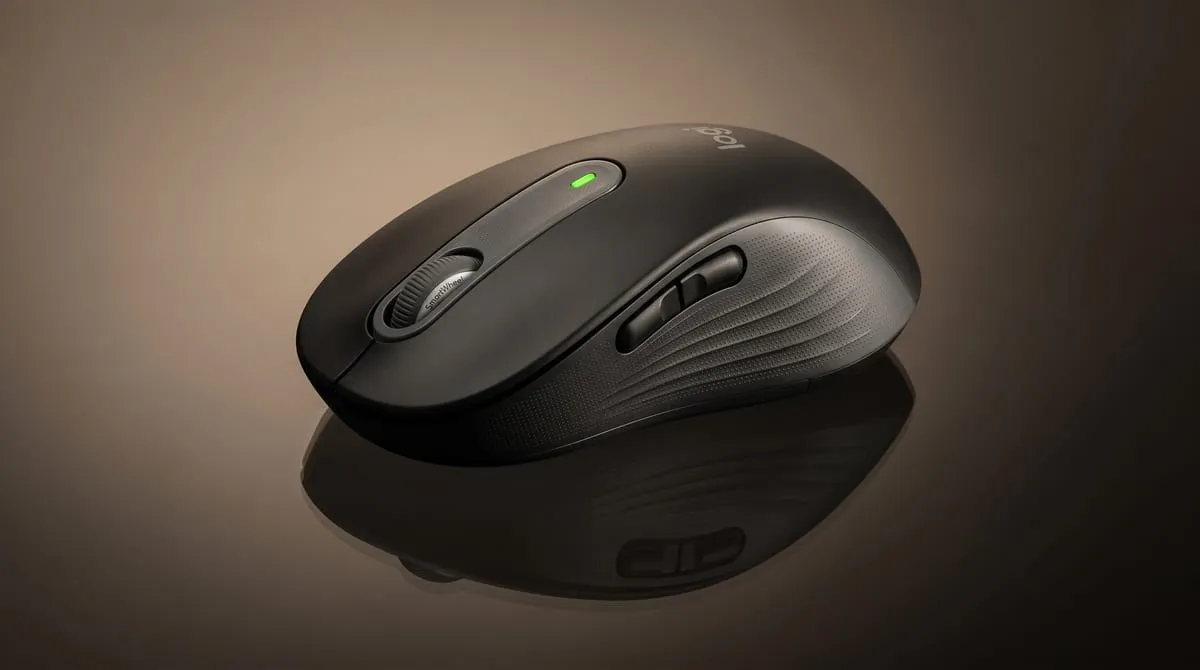
The single most-repeated comment across the listing deserves its own section, because it is the whole reason the M650 exists: the clicks are quiet, and reviewers are surprised by how quiet.
The mechanism is Logitech’s SilentTouch, a redesigned switch and housing that dampens the acoustic snap of the click while keeping the tactile snap under the finger. Logitech rates it at about 90% less click noise than its own non-silent equivalent. The practical translation in the reviews: the click drops from “the loudest thing on a quiet desk” to “barely there,” without turning to mush. In the reviews, the feel stays crisp enough to trust for fast, repeated clicking, which is the trade-off cheaper silent mice usually fail.
It is also the feature that converts skeptics. Plenty of reviews follow the same arc: a buyer assumed “silent” meant “worse,” tried it because of the price, and ended up describing the quiet as the thing they did not know they were missing. For anyone who works while others sleep, takes a lot of mic-on calls, or simply finds their own mouse loud, this is the section of the spec sheet that earns its best-budget reputation.
Features Breakdown
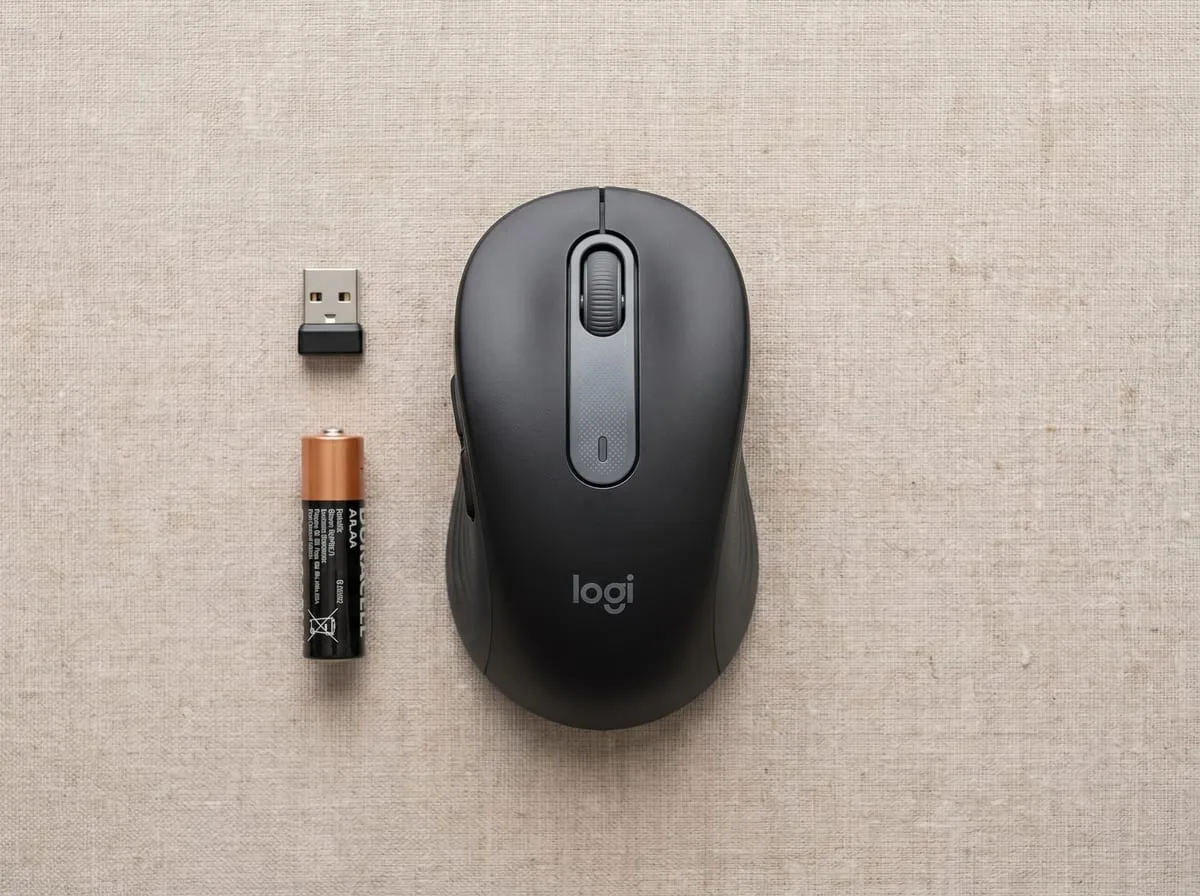
The hero features as the reviews and specs describe them:
- SilentTouch clicks — about 90% less click noise than a standard mouse, with the tactile feedback kept intact
- Two-year battery life on a single AA, per Logitech’s spec; review after review notes long stretches between changes
- Dual connectivity — Bluetooth or the included Logi Bolt USB receiver, so it works on almost any machine
- Multi-OS + multi-device — Windows, macOS, Chrome OS, and iPadOS
- Logi Options+ software — customizable side buttons, app-specific shortcuts, smooth/ratchet scroll toggle (optional, not required)
- SmartWheel scrolling — line-by-line precision that speeds up for long pages
- Three body options — regular, M650 L (larger), and a dedicated left-handed model
- ECOLOGO certified — independently certified for safer chemistry and reduced-impact manufacturing
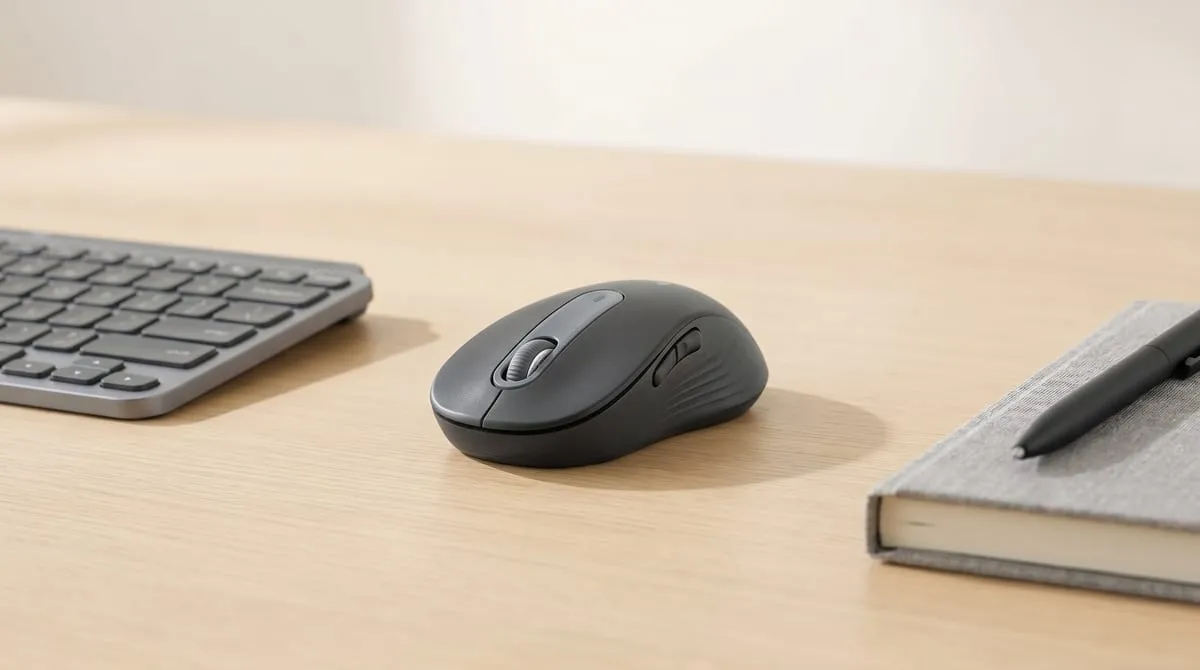
Good to Know Before You Buy
A few honest ceilings show up in the reviews. None is a dealbreaker for the buyer this mouse is built for — they are just worth knowing so you pick it for the right reasons:
- It is an everyday office mouse, not a medical ergonomic one. The contoured shape is comfortable for normal desk hours, but if you are managing real wrist strain, pair it with (or step up to) a vertical or fully sculpted mouse.
- It runs on a replaceable AA, not a rechargeable battery. The upside is the two-year battery life and no charging cable to manage — you swap a battery roughly once every couple of years.
- It is built for work, not gaming. No high-DPI sensor, fast polling, or RGB. For office work and browsing it is excellent; for competitive gaming, look at a dedicated gaming mouse.
- ”Silent” means the click, not the whole mouse. The scroll wheel and the glide across the desk still make their normal small sounds — SilentTouch quiets the click, which is the part most buyers wanted gone.
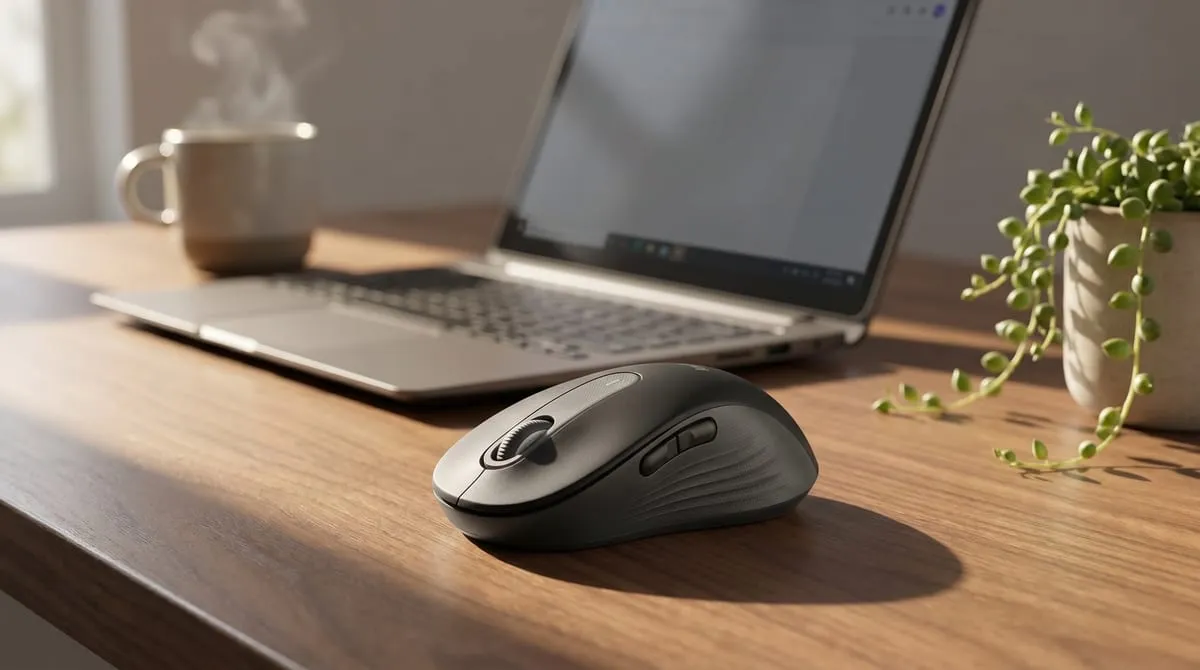
Is It Worth It at Around $40?
The short answer the review data supports: yes, for the buyer who wants quiet, comfortable, no-drama wireless at a budget price.
The comparison that frames it: a silent mouse from the premium tier runs well over $60, and Logitech’s own flagship office mice (the MX series) sit at $80 to $100. The M650 brings the headline silent-click feature, the two-year battery, dual connectivity, and Logi Options+ customization down to around $40 — which is why Tom’s Guide files it under best budget rather than best overall. It is not trying to beat an MX Master on features; it is trying to give most people 80% of the useful experience for less than half the money, and the reviews say it lands that.
For a single quiet upgrade to a home office or a shared desk, it is one of the easiest sub-$50 recommendations in the category.
How we scored the Logitech M650 — 4.5 / 5
My rating isn’t an average of anyone’s stars — it’s an editor’s read across the things that actually decide whether a wireless office mouse earns its spot — weighed from the feature set, the published specs, the build, and the themes that recur across owner feedback. Here’s how the Logitech M650 landed:
| What we weighed | Call | Why |
|---|---|---|
| Silent-click performance | Excellent | SilentTouch cuts click noise by about 90% while keeping the tactile bump, so the silence is real without the click turning to mush. |
| Comfort and sizing | Strong | A contoured shape with rubber grooves plus regular, larger M650 L, and left-handed bodies means most hands get a good fit out of the box. |
| Connectivity and versatility | Strong | Dual Bluetooth or Logi Bolt receiver across Windows, macOS, Chrome OS, and iPadOS, with free Logi Options+ button and scroll customization on top. |
| Battery | Good | Logitech’s rated two years on a single AA means no charging cable to manage, though it trades away a rechargeable cell. |
| Value | Excellent | The headline silent click, two-year battery, and dual connectivity land at around $40, well under the $60-plus silent tier and the $80-to-$100 MX line. |
Why 4.5 and not a perfect 5: it is an everyday office mouse, not a medical ergonomic device, so it won’t replace a vertical or sculpted mouse for a real repetitive-strain issue, and it runs on a replaceable AA rather than a rechargeable battery. Neither hurts the buyer it’s built for, but together they keep it just shy of perfect.
This is my own editorial rating — not an average of Amazon’s stars. How I rate →
The Verdict
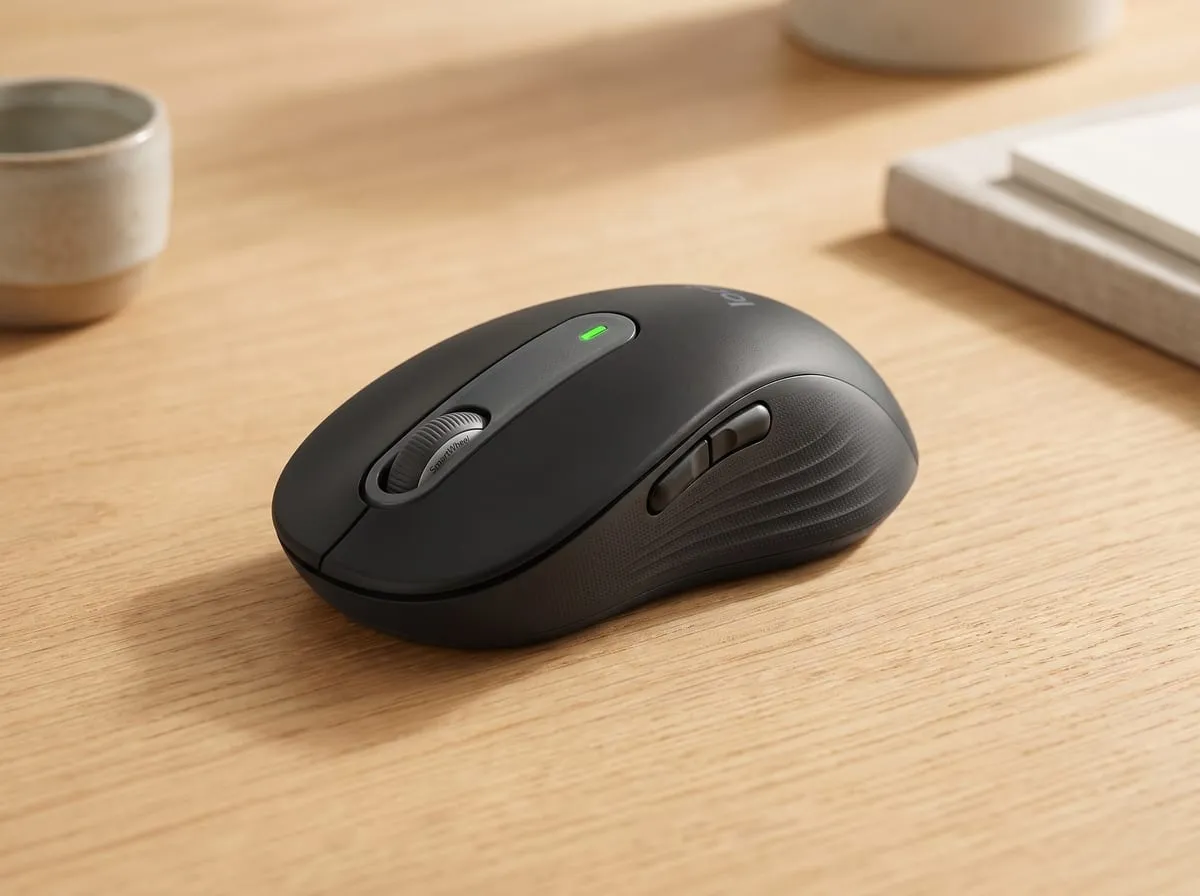
After reading through thousands of verified reviews, Logitech’s published specs, and the independent reviews from Tom’s Guide, RTINGS, and Notebookcheck, my editorial position is this: the Logitech M650 is the rare budget mouse where the one headline feature actually delivers. The silent click is not a gimmick. It is a daily quality-of-life change for anyone who shares a room, takes calls, or works while others sleep, and the rest of the mouse is competent enough to disappear into the desk, which is exactly what a good office mouse should do.
It is not a flagship, and it does not pretend to be. Within its lane of quiet, comfortable, affordable everyday wireless, it is a Tom’s Guide best-budget pick for a reason.
Buy it if you:
- Work in a shared space, take a lot of mic-on calls, or work while others sleep
- Want quiet clicks without giving up tactile feedback
- Run multiple machines and want one mouse across Bluetooth and a USB receiver
- Want a long battery life and no charging cable to manage
- Want a reliable sub-$50 upgrade from a basic or noisy mouse
Skip it if you:
- Need a true vertical or sculpted ergonomic mouse for a repetitive-strain issue
- Want a gaming mouse (high DPI, fast polling, RGB)
- Prefer a rechargeable mouse over a replaceable AA
- Already live in the Logitech MX ecosystem and want flagship features
FAQ
Q: Are the Logitech M650 clicks actually silent? They are very quiet, not literally silent. Logitech’s SilentTouch design cuts click noise by roughly 90% versus a standard mouse while keeping the tactile bump under your finger. Reviewers describe the click as “barely there.” The scroll wheel and the glide across the desk still make their normal small sounds.
Q: How long does the battery last, and is it rechargeable? Logitech rates the M650 at up to two years on a single AA battery, and reviewers confirm long life between changes. It is not rechargeable. The trade-off is no charging cable and a battery you swap roughly once every couple of years.
Q: Does it work with a Mac and an iPad? Yes. It connects over Bluetooth or the included Logi Bolt USB receiver and supports Windows, macOS, Chrome OS, and iPadOS, which is why it is popular on mixed-device desks.
Q: What size should I get? There is a regular size, a larger M650 L, and a dedicated left-handed model. Most hands suit the regular; larger hands or a relaxed palm grip are more comfortable on the L. Matching the size to your hand is the single biggest factor in the comfort reviews.
Q: Is it good for gaming? No. It is built for work, not gaming. It does not have a high-DPI gaming sensor, fast polling, or RGB. For office work, browsing, and everyday use it is excellent; for competitive gaming, look at a dedicated gaming mouse.
Rounding out the desk? The Anker Nano 30W charger review covers the power half of the same setup — and the M650 is one of six picks in the 6 Best Desk Setup Upgrades Under $50 roundup, alongside the rest of the lineup.
Join the Nova’s Picks community 🔍
Get new honest reviews, roundups & finds first — and ask me what to buy before you do.
Join the free Facebook group →